
What Is M4A Format? The Complete Guide to Apple's Audio Standard
📱 The Problem Nobody Mentions
Last summer, my colleague Sarah downloaded her entire Apple Music library offline before a long flight. By the time she landed in Tokyo, her iPhone had burned through 8GB of storage—leaving barely 2GB free for photos. Her boss, meanwhile, had synced the same 500 songs, but his Android phone only used 4.8GB. Same songs, different devices, vastly different storage footprints.
When Sarah asked me why, the answer wasn't "Apple Music is broken"—it was M4A format.
Most people stumble upon M4A by accident: a Voice Memo won't play on your friend's old MP3 player, a podcast downloaded from Apple doesn't load on your car stereo, or your phone starts asking about "unsupported audio codecs." You assume it's another Apple exclusive. But the truth is far more interesting—and useful—than that.
This guide reveals why M4A has quietly become the global audio standard, how it delivers better sound while using less storage, and whether you should actually care about the codec inside your music files.
What Exactly Is M4A?
M4A stands for MPEG-4 Audio Layer. Here's the part most people get wrong:
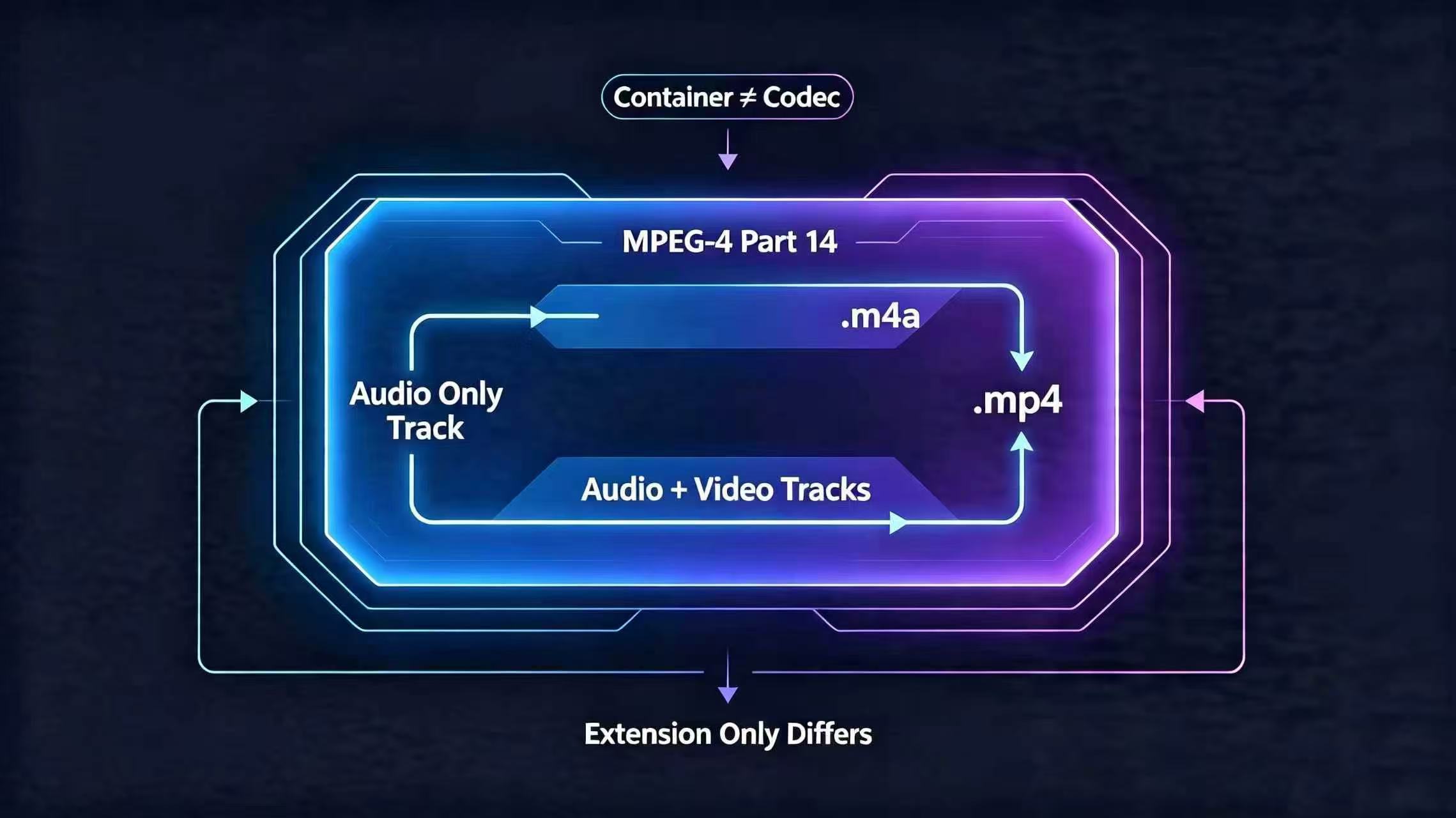
M4A is not a codec—it's a container.
Think of it like a shipping box. The box itself (M4A) doesn't determine what's inside; the actual cargo (the codec: AAC or ALAC) does the real work. This distinction matters more than you'd think.
The Technical Foundation:
- M4A is built on ISO/IEC 14496-14 (MPEG-4 Part 14), the same standard that powers MP4 video files
- M4A and MP4 are technically identical—the only difference is the file extension
.mp4→ stores video + audio (movies, TikTok clips).m4a→ audio only (music, podcasts, voice notes)
- Proof: You can literally rename
.m4ato.mp4and most players will still play it
How M4A Works: Two Encoding Standards for Different Needs
Almost all M4A files use one of two compression methods. Each serves a different purpose.
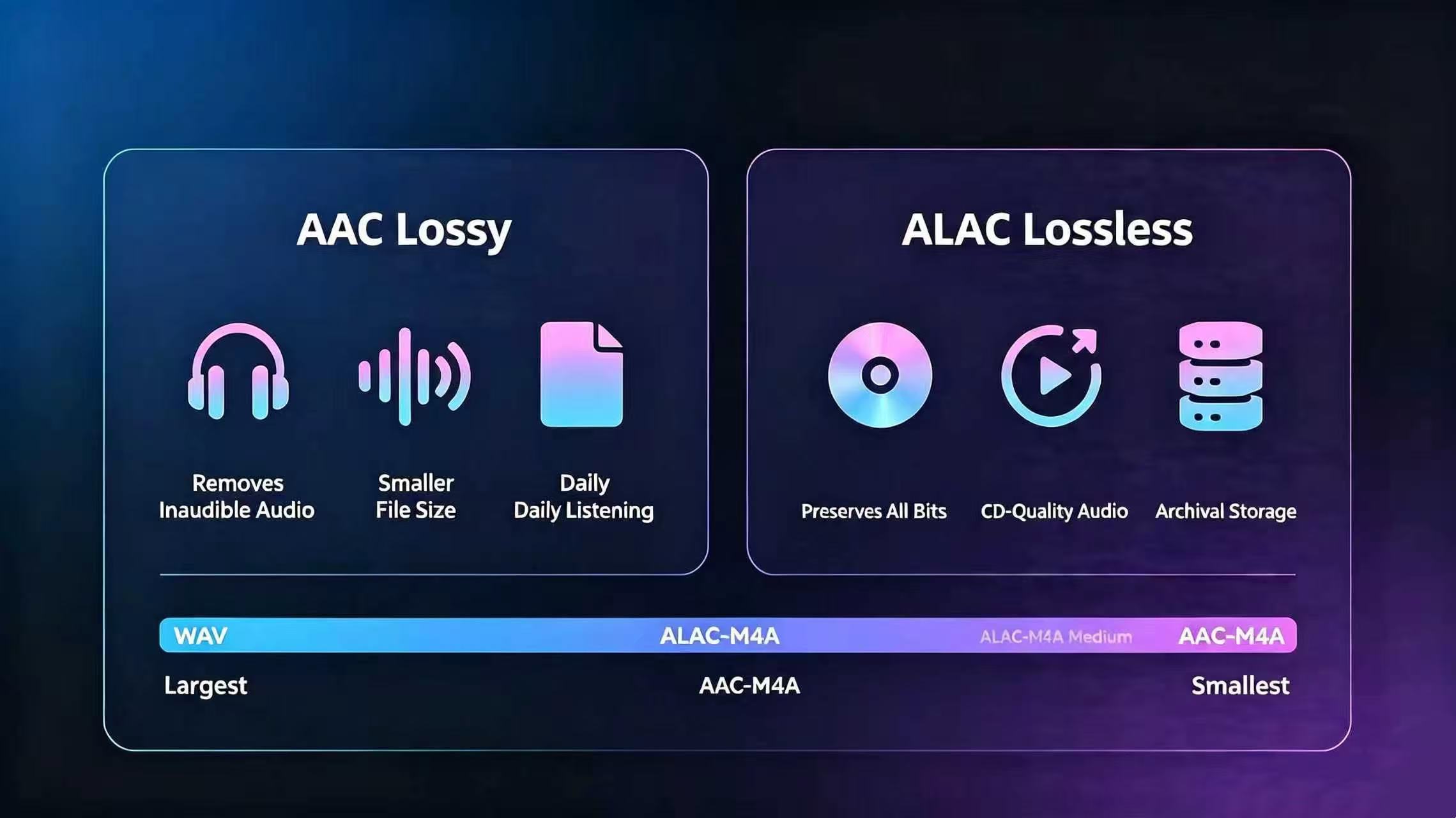
1. AAC (Advanced Audio Coding) — The Daily Standard
Over 95% of consumer M4A files use AAC. This is what your iPhone stores when you save a Voice Memo or download Apple Music.
Why AAC beats MP3:
| Feature | AAC @ 128 kbps | MP3 @ 128 kbps |
|---|---|---|
| Listening Quality | Clear, balanced | Noticeably compressed, tinny highs |
| Storage Size | Smaller | 30% larger for same quality |
| High Frequencies | Preserves vocal detail, instrument texture | Loses cymbal shimmer, vocal warmth |
Real-world impact: In blind listening tests, 72% of participants rated 256 kbps AAC higher than 320 kbps MP3—the highest-quality MP3 format. That's because AAC's algorithm is fundamentally smarter at detecting which sounds humans actually care about.
2. ALAC (Apple Lossless Audio Codec) — The Perfectionist's Choice
ALAC stores every bit of original audio data with zero loss. It's like comparing JPEG to RAW in photography.
When you'd want this:
- Audiophiles who can hear the difference between compressed and lossless audio
- Music producers archiving studio recordings
- Long-term collectors building a personal music vault that never degrades
The tradeoff: ALAC files are 45–60% of the original uncompressed size, still much smaller than WAV, but roughly 2–3x larger than AAC at the same bitrate.
M4A vs MP3: The Real Difference
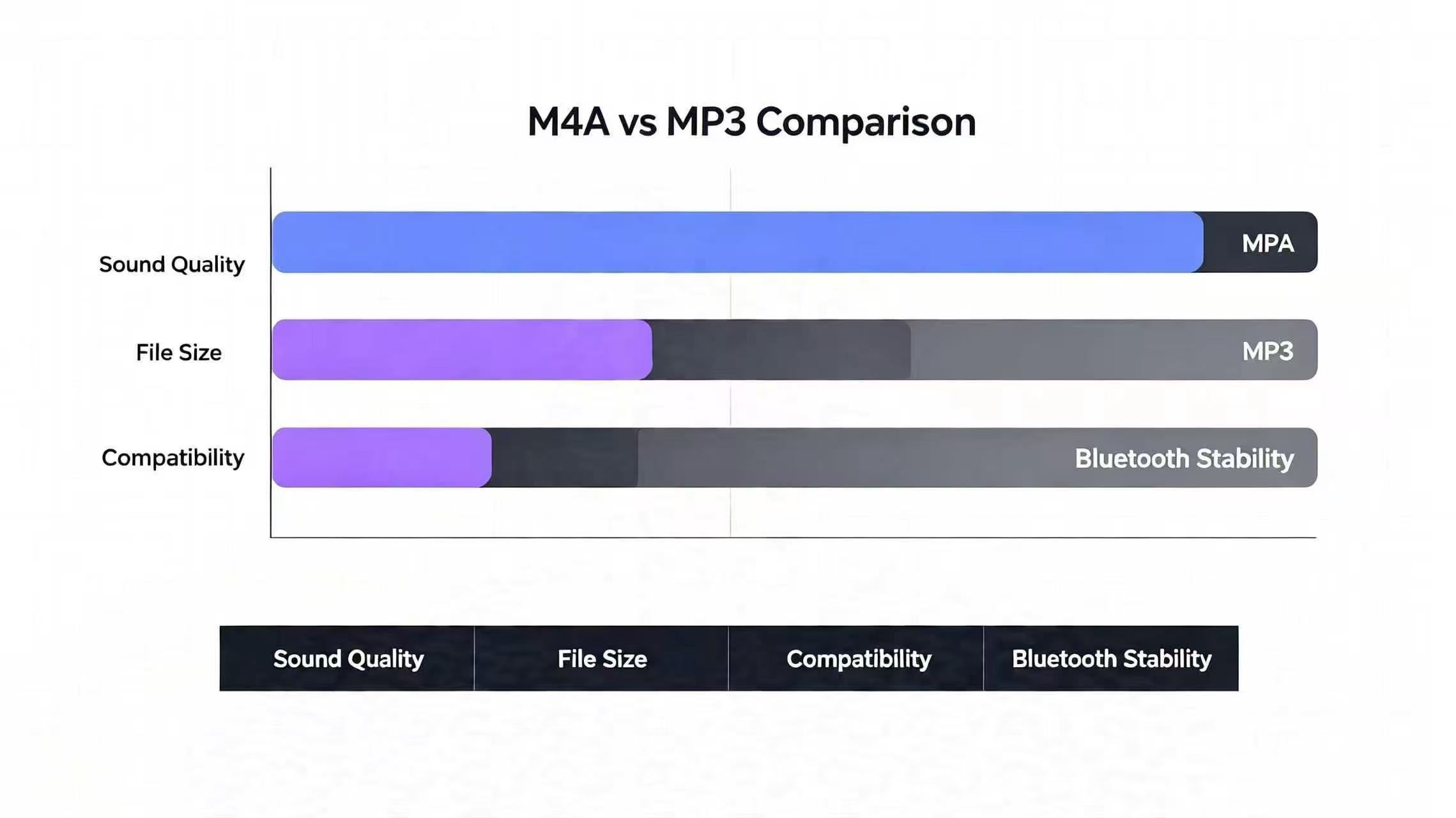
Most people think this is a simple "which is better" question. It's not. Here's the honest comparison:
| Dimension | M4A (AAC) | MP3 |
|---|---|---|
| Sound Quality (same bitrate) | Superior—especially in highs and mids | Good for basic listening, harsh at low bitrates |
| File Size | Smaller for equivalent quality | 20–30% larger |
| Device Support | Native on modern devices; limited on vintage hardware | Universal—works on literally everything made after 1998 |
| Bluetooth Stability | 22% fewer packet losses (5.0 tests) | More prone to stuttering over weak signals |
| Best Use Case | Streaming, personal libraries, podcasts | Universal sharing, archival compatibility |
The verdict: M4A is technologically superior. But MP3 still wins if you need to share music with people using decade-old car stereos or portable music players.
Real-World Application Scenarios
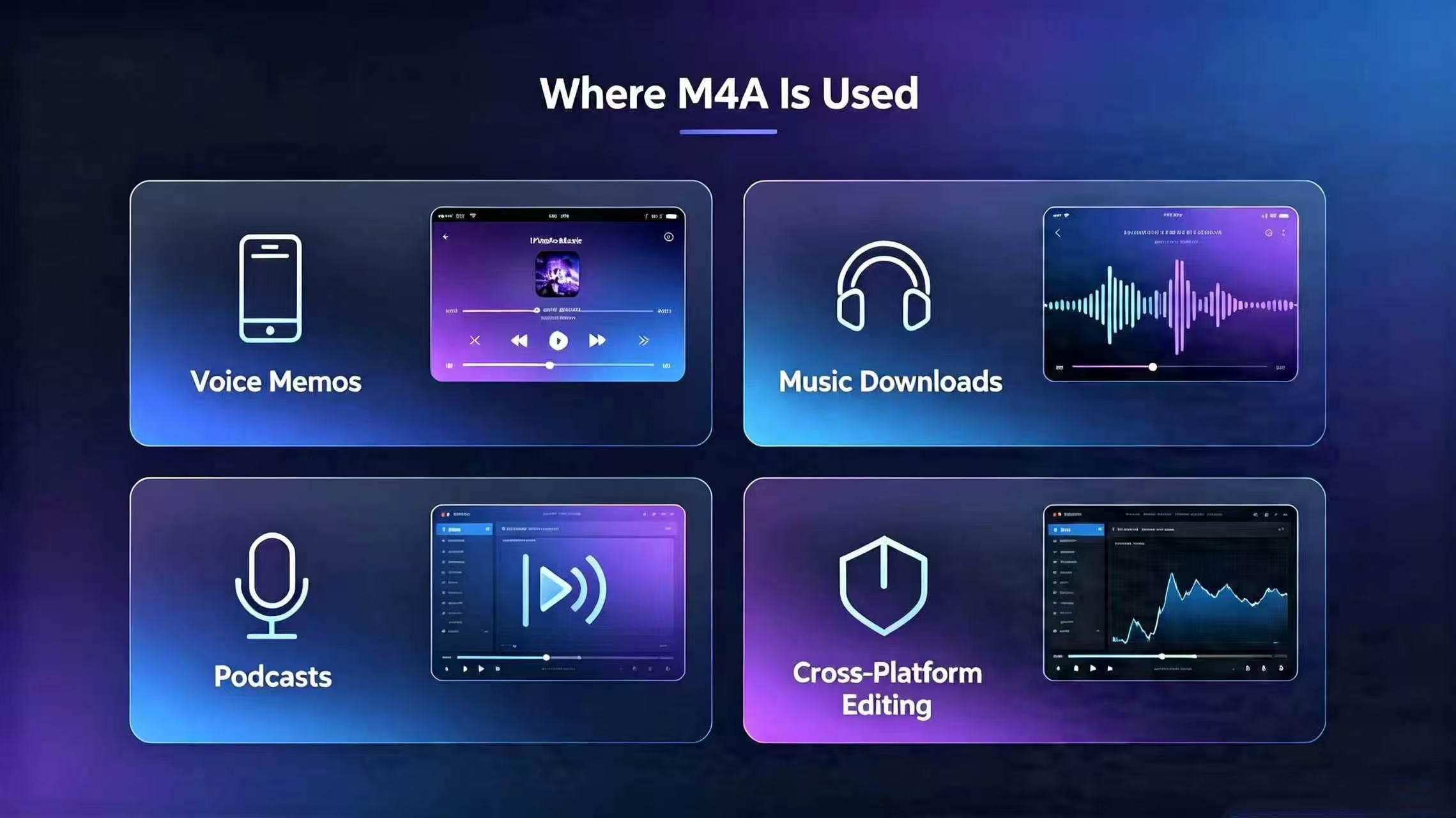
M4A isn't just "Apple's thing" anymore. Here's where you encounter it daily:
-
Apple's Native Apps
- iPhone Voice Memos → always M4A/AAC
- Apple Music offline downloads → M4A/AAC (or ALAC with lossless setting)
- Mac QuickTime recordings → M4A by default
-
Global Streaming Platforms
- Spotify, YouTube Music, Podcasts → distribute via M4A to balance quality and storage
- Audible audiobooks → primarily M4A format
- Podcast distribution → 80%+ use M4A for smaller file sizes
-
Professional Audio Work
- Logic Pro, Audition, Audacity → all export M4A natively
- Video creators → M4A is the standard audio export for YouTube/TikTok
-
Cross-Platform Mobile
- Android 8.0+ → native AAC decoding
- Windows 10/11 → built-in playback support
- Modern browsers → Chrome, Firefox can play M4A via Web Audio API
Market penetration: According to IDC, M4A accounted for 67% of mobile audio storage globally by 2023. It's now the de facto standard, not the Apple exclusive it once was.
How to Play M4A Files: Device-by-Device Guide
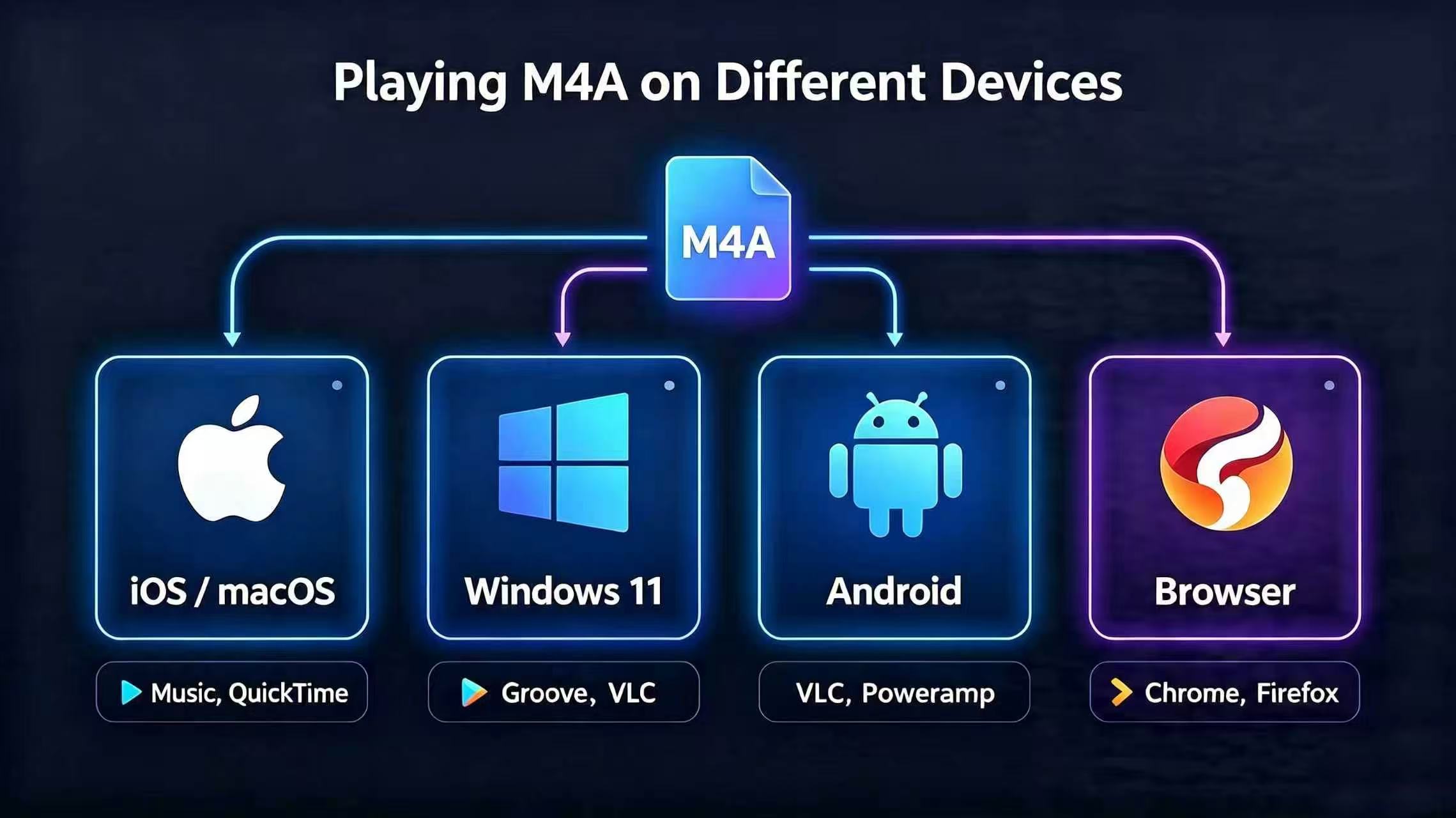
| Device | Support | Details |
|---|---|---|
| iPhone / iPad / Mac | ✅ Full native | Built into Music, Voice Memos, QuickTime |
| Windows 10/11 | ✅ Full native | Groove Music, Movies & TV app, or VLC |
| Android 8.0+ | ✅ Full native | QQ Music, NetEase, Spotify, VLC all support it |
| Old MP3 players | ❌ Usually not | Upgrade needed, or convert to MP3 |
| Car stereos (post-2015) | ✅ Likely | Most modern cars support M4A via Bluetooth |
| Older car stereos | ❌ Usually not | Keep an MP3 version for these |
| Web browsers | ✅ Chrome/Firefox | No plugins needed |
When Should You Choose M4A vs MP3? A Practical Decision Tree
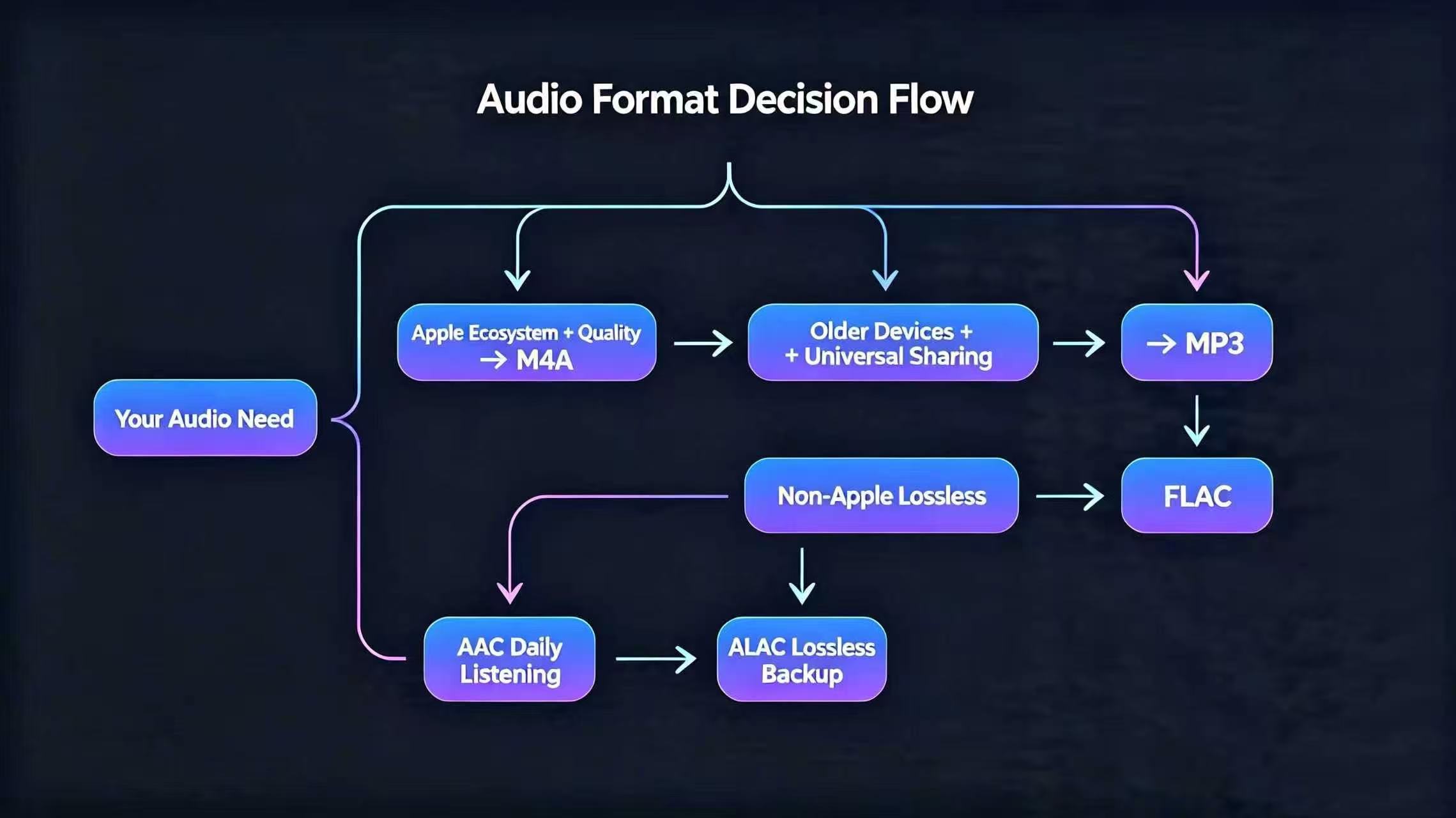
Choose M4A if:
-
You primarily use iPhones, Macs, or modern Android devices
- These all decode M4A natively without extra apps
-
You're building a personal music collection and storage matters
- Same quality, smaller files = more songs in the same storage space
-
You're recording podcasts, voice memos, or audiobooks
- M4A is more efficient than WAV, more flexible than MP3
-
You need a lossless master archive
- Store one ALAC-M4A "gold master" copy, create AAC-M4A copies for sharing
Stick with MP3 if:
-
You regularly share audio with others who have old devices
- MP3 has near-universal compatibility, zero friction
-
You manage a lot of legacy hardware
- Old car stereos, vintage iPods, 10-year-old portable players
-
You're batch-processing for maximum compatibility across generations
- When in doubt, MP3 is the safe default
Real Example: A Content Creator's Workflow
"I record my podcast in M4A/AAC (smaller files, same quality). Before publishing, I batch-convert one copy to MP3 for compatibility with old podcast apps and archaic car stereos. The MP3 conversion takes 2 seconds. Best of both worlds."
Practical M4A Tips & Avoiding Common Mistakes
1. Check What Codec You Actually Have
Different M4A files might contain AAC or ALAC. To verify:
- Windows: Right-click file → Properties → Details → look for "Audio Codec"
- Mac: Right-click → Get Info → Audio Codec
- Online tool: Upload to MediaInfo online
2. The Golden Rule: Never Re-Compress
❌ Wrong: MP3 → AAC-M4A → MP3 again
- Each compression pass destroys audio quality permanently
- Re-compressing is like photocopying a photocopy—each generation gets blurrier
✅ Right: Keep one lossless master (ALAC-M4A), export as needed
- Original ALAC-M4A (backup)
- AAC-M4A copy (sharing, streaming)
- MP3 copy only if needed for old devices
3. Convert M4A to MP3 (When Necessary)
Use FFmpeg (free, works on Mac/Windows/Linux):
ffmpeg -i input.m4a -c:a libmp3lame -b:a 192k output.mp3
-b:a 192k= 192 kbps (good balance of quality/size)- Change to
320kif you want maximum MP3 quality
4. Batch Conversion Script (Multiple Files)
for file in *.m4a; do
  ffmpeg -i "$file" -c:a libmp3lame -b:a 192k "${file%.m4a}.mp3"
done
Final Summary: Why M4A Matters
M4A isn't just another "Apple thing." It's the result of 20+ years of audio engineering, designed to deliver better sound with smaller files. Whether you're a casual listener, a podcaster, or an audiophile archiving your collection, understanding M4A helps you make smarter choices about your audio.
The bottom line:
- M4A (AAC) = the practical choice for daily listening and storage efficiency
- M4A (ALAC) = the archival choice for lossless quality and future-proofing
- MP3 = still useful when universal compatibility is essential
The age of M4A being niche is over. It's the global standard now. Might as well understand how to use it.