
Audio Format Guide: MP3, FLAC, AAC & WAV Compared
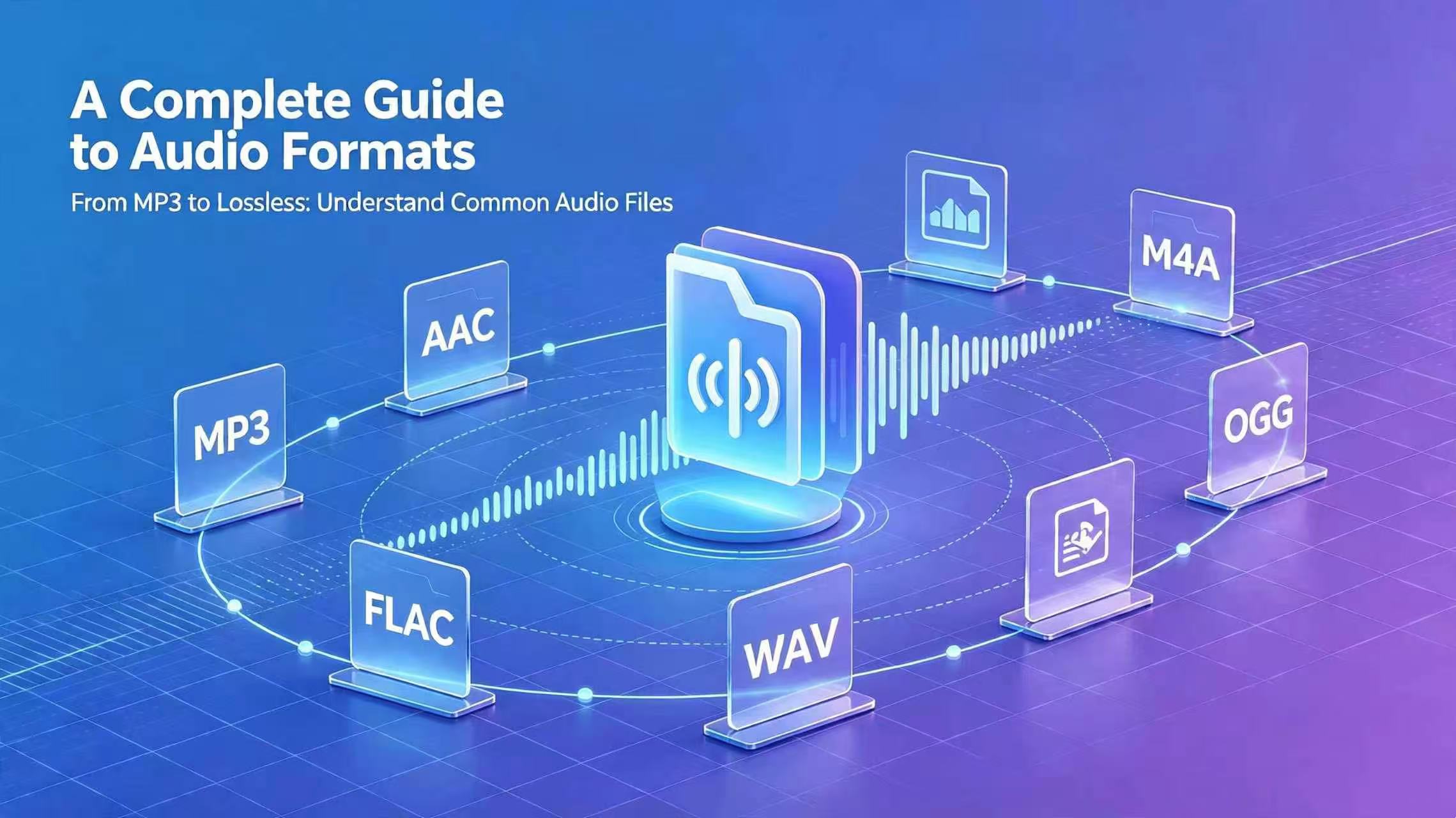
Many people listen to music for years without ever answering a simple question: why does one version of the same song take up a few megabytes while another takes forty? What is the real difference between MP3, AAC, FLAC, and WAV? Is lossless always better? Which format belongs on your phone, in your car, on your computer, or in a serious music collection?
Most audio guides online repeat specs and copy encyclopedia definitions without helping you choose. This article takes a practical approach. We explain how mainstream formats actually behave, where each one shines, and which mistakes are worth avoiding.
How Audio Compression Works
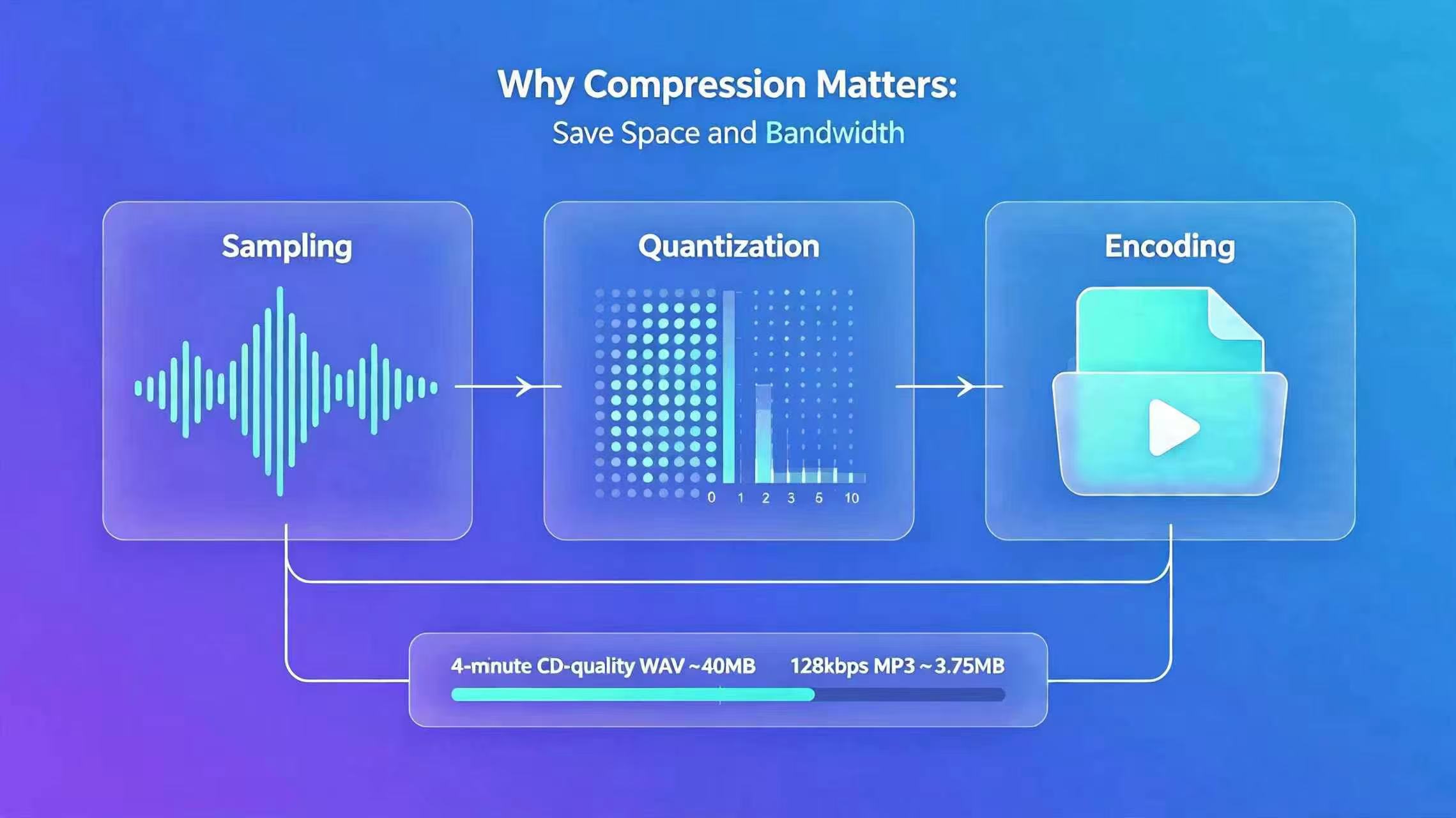
Sound is a continuous analog wave. Phones and computers cannot store that directly, so audio must be converted into digital data. That process has two main steps: capture and storage.
Devices sample the waveform at very short intervals and record amplitude levels at each point. Sample rate and bit depth define how much detail is preserved. The CD standard of 44.1 kHz / 16-bit is still the baseline for high-quality consumer audio.
Uncompressed audio is huge. A four-minute track at CD quality can approach 40 MB in raw WAV form. Storing and streaming everything that way would be slow and expensive, which is why compression exists. The goal is straightforward: keep listening quality acceptable while reducing file size and transfer cost.
Lossy vs. Lossless: What Actually Changes
Every audio format falls into one of two categories. Understanding that split clears up most confusion.
Lossy compression: smart trade-offs for everyday listening
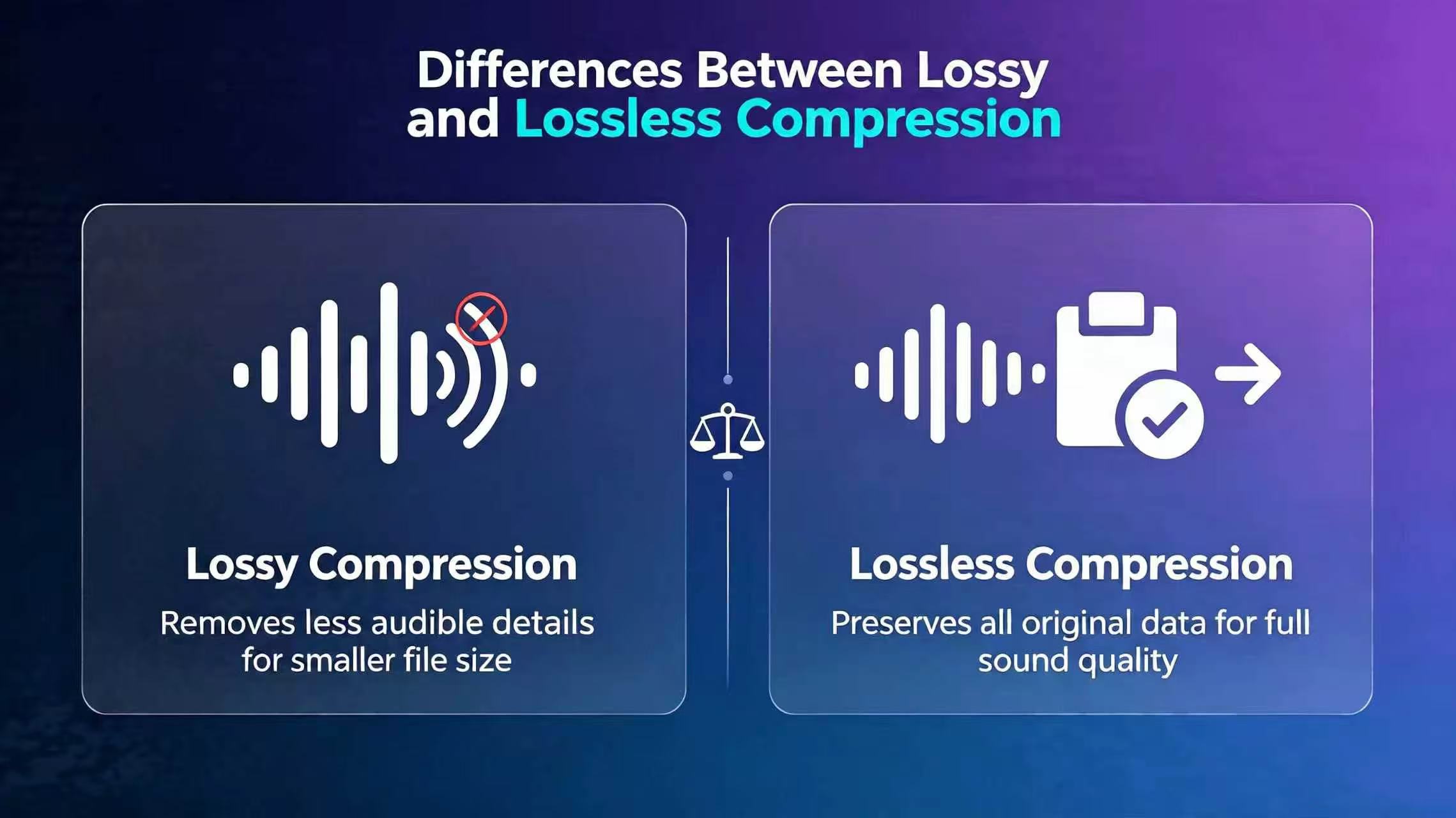
Human hearing is limited. We are far less sensitive to very high frequencies, faint background detail, and overlapping textures than we think. Lossy codecs remove information that most listeners cannot reliably hear, then pack what remains into a much smaller file.
That removed data is gone permanently. On earbuds, phone speakers, or a noisy commute, the difference is often hard to notice. On revealing headphones or a high-end system in a quiet room, you may miss air, extension, and dynamic nuance.
Common lossy formats: MP3, AAC, OGG, WMA, AMR
Lossless compression: full data, smaller package
Lossless formats do not discard musical information. They reorganize the data more efficiently, similar in spirit to ZIP for files. After decoding, the audio matches the original source bit-for-bit.
The cost is size. Lossless files are often five to ten times larger than lossy versions of the same material, which matters on phones with limited storage or slow connections.
Common lossless formats: FLAC, ALAC, APE, uncompressed WAV
Mainstream Formats in Depth
MP3: maximum compatibility
MP3 has been the universal format for decades and remains the safest choice when compatibility matters more than anything else. It uses mature psychoacoustic models to discard less noticeable detail and achieve strong compression ratios.
MP3 is not obsolete. At 192 kbps and above, it is perfectly usable for everyday listening. Problems usually appear at 128 kbps or below, where tracks can sound dull, congested, or thin.
MP3 supports fixed bitrate (CBR) and variable bitrate (VBR). VBR adjusts compression by section, often delivering better quality per megabyte on complex material.
Best for: older car stereos, legacy devices, universal sharing, tight storage limits
Avoid: 128 kbps or lower if you care about clarity
AAC: the modern streaming default
AAC is the format behind much of today's mobile and streaming ecosystem, including Apple devices, YouTube, Spotify, and many other services. At the same perceived quality, AAC is typically more efficient than MP3.
A useful rule of thumb: 128 kbps AAC often sounds close to 192 kbps MP3. It handles transients and high frequencies more cleanly at modest bitrates and works well on phones and tablets.
Best for: daily mobile listening, streaming downloads, Apple users
Watch out for: older car units and legacy hardware that may not decode AAC
FLAC: the practical lossless standard
FLAC is open, royalty-free, and the most widely adopted lossless format for music libraries. It preserves full detail while cutting raw WAV size roughly in half, and it supports high-resolution content.
Most "lossless" and many Hi-Res tiers on major music platforms use FLAC. Decoding support is excellent on modern Android, desktop players, and dedicated hi-fi gear.
Best for: archiving, audiophile listening, CD ripping, long-term collections
Trade-off: large files; filling a phone with FLAC libraries gets expensive fast
ALAC: Apple's native lossless option
ALAC delivers the same bit-perfect quality as FLAC with similar compression efficiency. The main advantage is deep integration with Apple hardware and Apple Music lossless playback without third-party tools.
Best for: iPhone, iPad, Mac, and Apple Music subscribers
Trade-off: less convenient outside the Apple ecosystem
WAV: professional, not portable
WAV stores uncompressed PCM audio. It is ideal for recording, editing, and production because there is no generation loss, but it is a poor everyday listening format.
Unless you are working in a DAW, WAV offers no meaningful benefit over FLAC for playback while consuming far more space.
Best for: editing, mastering, recording sessions
OGG Vorbis: efficient and open
OGG is a capable open format that often beats MP3 at similar bitrates, especially in the low-to-mid range. It is common in games and open-source software but less universal in consumer players.
APE: high compression, low convenience
APE squeezes lossless audio slightly harder than FLAC but decodes slowly and enjoys limited device support. A damaged file can be harder to recover. Most listeners should prefer FLAC instead.
WMA and AMR: niche legacy use
WMA was Microsoft's compressed format and has faded from mainstream use. AMR is built for voice calls and voicemail, not music. Neither belongs in a modern music library.
A Simple Format Picker for Real Life
You do not need to memorize every codec. This covers most situations:
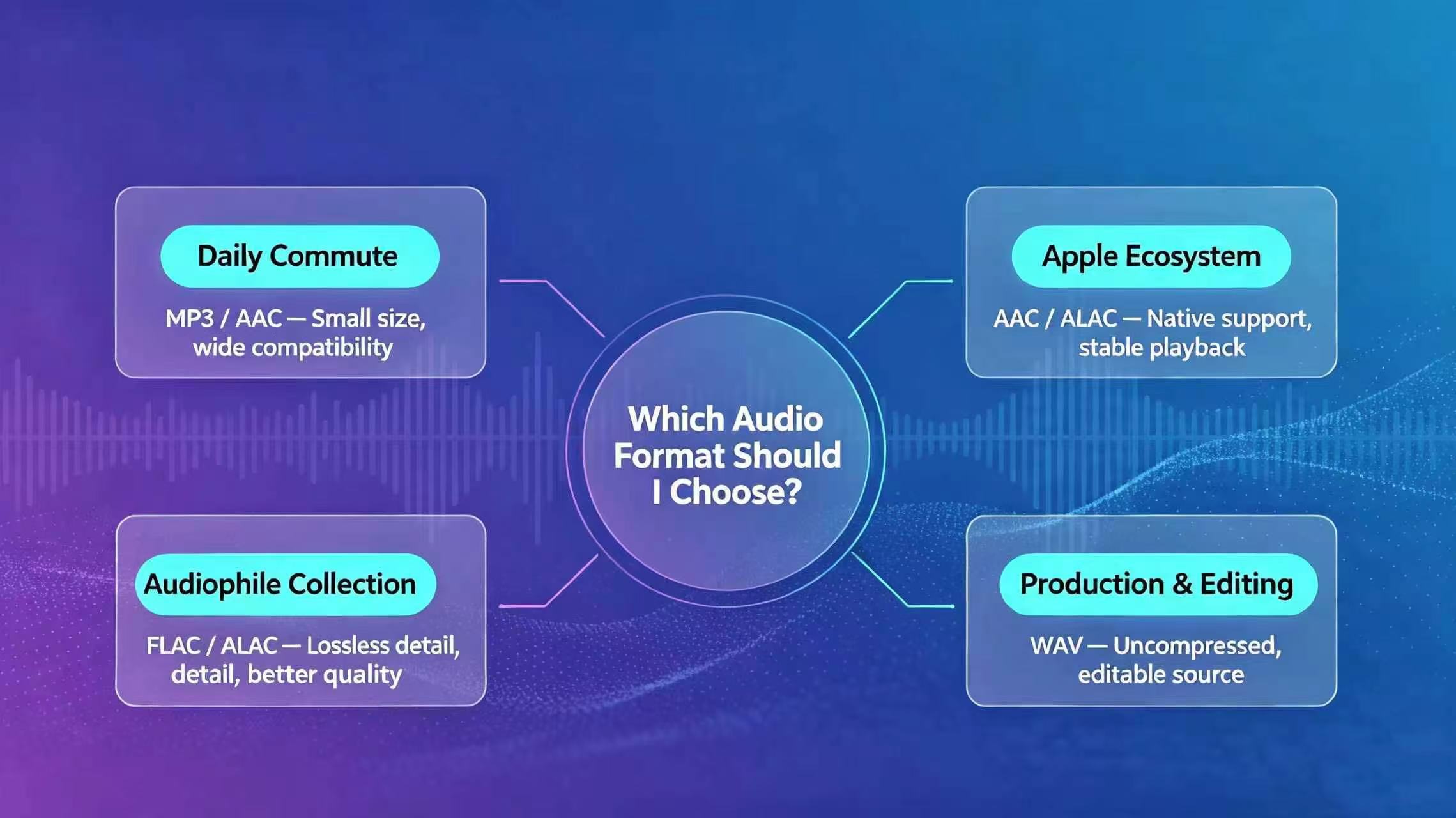
- Daily phone listening: AAC — small files, strong quality, broad mobile support
- Building a lossless library: FLAC on Android and desktop; ALAC in Apple's world
- Car playback or old hardware: MP3 — still the compatibility king
- Editing or recording: WAV — uncompressed workflow standard
- Very tight storage: OGG can outperform MP3 at similar sizes
Need to convert something you already have? Our free browser-based converter handles MP3, AAC, FLAC, WAV, OGG, and dozens of other formats locally on your device — nothing is uploaded to a server.
Android Compatibility Notes
Playback issues on Android are often version-related:
- Android 3.1+: native FLAC decoding
- Android 4.1+: full WAV / PCM support
- Android 5.0+: Opus support
- All versions: MP3, AAC, and Vorbis are widely supported
Manufacturer differences still matter. A few uncommon codecs may need a third-party player such as VLC.
The Bottom Line
There is no single "best" format — only the best fit for your device, ears, and storage.
If you mostly listen on a phone speaker, commuter earbuds, or in noisy environments, a high-bitrate AAC file will usually feel indistinguishable from lossless while saving gigabytes. If you listen on revealing gear in a quiet space, FLAC or ALAC is where the extra detail actually matters.
Choose with intent, not habit. The right format balances sound, space, and compatibility — and saves you from downloading the wrong file twice.